The main features of on-demand food delivery applications
In fact, a delivery app is a system that has different roles and usually has special interfaces for each:
- You are going to need to have a client-side ordering application.
- Ordering panel (web app), where the venue will receive and manage those orders.
- A courier app is not a must but is very useful for a comprehensive delivery solution.
Admin panel for managing venues if you’re building a delivery service for multiple businesses.
3 variants of a food ordering app
At first glance, this may seem complicated but it’s not. It’s an essential step. As everybody has different demands, it’s crucial to meet everyone’s needs. It’s also very important to deliver hands-off flawless communications between all parties.
- People need a convenient way to browse through menus of nearby restaurants with a possibility to make an order.
- Delivery men need an easy way to access available orders, pickup and drop off locations.
- HORECA managers need to monitor and manage orders to organize delivery. Furthermore, they require access to deeper stats to improve customer satisfaction and increase retention.
If any member of this chain lacks the required functionality, you might be doomed. Luckily for you, In addition to theoretical advice, we are ready to help you with the quality development and quick launch of your project. At this point, any reluctance or time delay can result in much higher expenses for your business.
Customer version
To better understand what features are essential for customers, let’s put ourselves in their shoes.
Finding a restaurant or a meal
Usually, you open an application for a specific purpose. In this case, users will look at things to eat and a place to order. So, we now have our first main features:
- searching for nearby restaurants;
- accessing information about the menu, prices, special offers, possible reading reviews.
To deliver the best experience, you need to consider a good search with filters to enable people to look for restaurants by name, address or even meal. As people often prefer to look for a certain dish, displaying all possible restaurants where it’s available will be a great option.
Making an order
After deciding on the order, people show have an easy way to add it to the cart. This is an important step that will directly affect your business and further purchases.
Great tip: consider putting the ‘add to the chart’ button in an intuitive spot or, so-called, thumb-friendly zone.
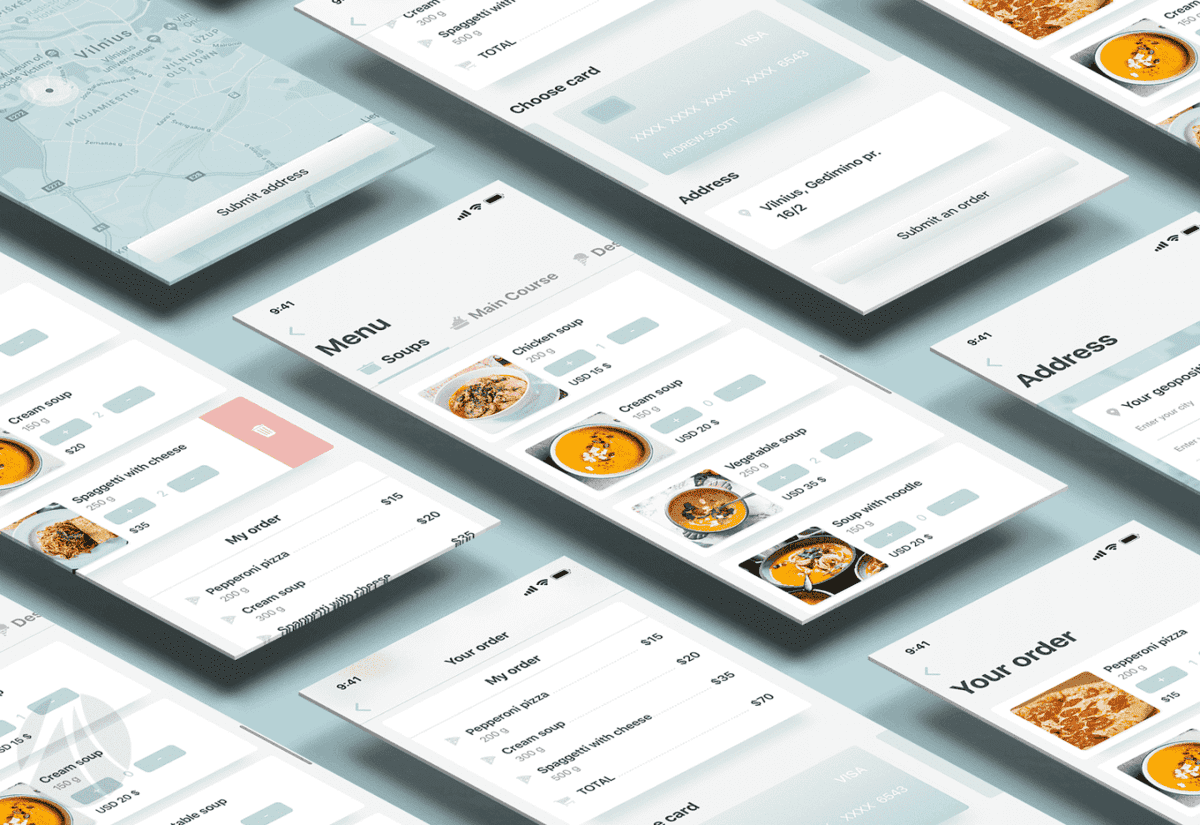
The process should be user-friendly
Before proceeding to the payment, make sure to display the order summary with the possibility to change the amount of chosen meals. This way users have a final chance to glance at the entire order and confirm it.
Introducing the ability to deliver the order by a certain time or asap is another great feature your users will acknowledge and find very useful
User location
From the user perspective, the main purpose of using a food delivery apps is to get the meal you crave to any location- wither you at home, work or a public recreation zone. So, allowing people to drop a pin of a current location is a very handy feature.
Another impressive thing you can do is allow users to track the delivery guy with a ready order online, on a map.
Order payment
When setting up in-app payments, make sure they are fast, easy and secure. Give your users multiple payment options – prepay with a bank card, e-wallet, or even cash upon delivery.
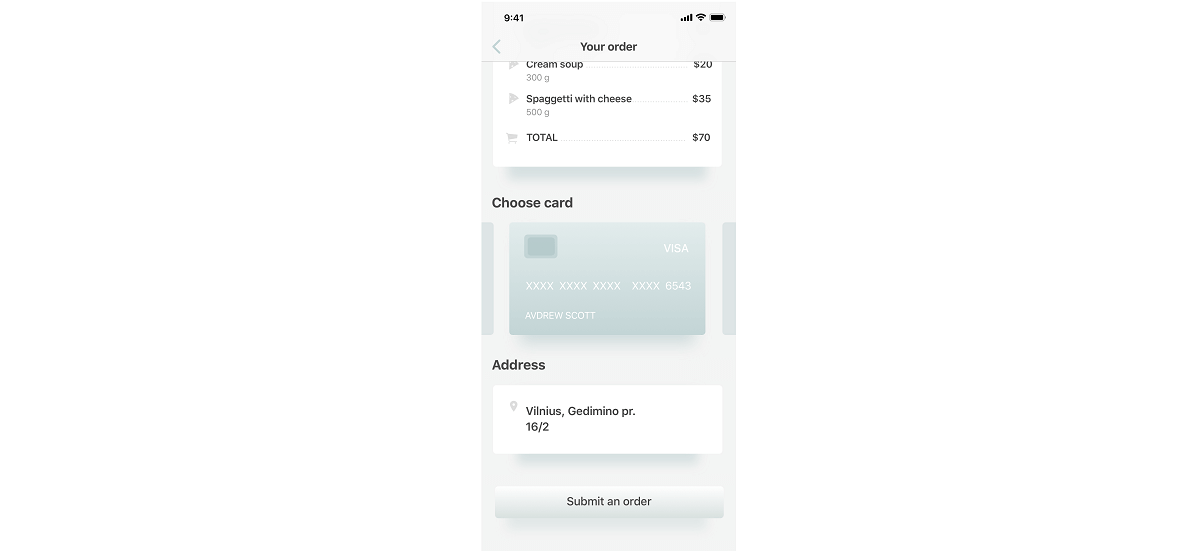
A secure payment system is a valuable feature of any food delivery application
Reviewing the experience
After the order is paid for and delivered, ask your users for feedback. You can start with a simple star rating about the service, food quality and app experience. This will make your users feel appreciated and help you improve your business.
Important information about account setup
Allowing people to register in your app gives them a chance to quickly access their accounts with chosen preferences. The basic functionality should include editing a username, changing a password and linking a different bank card. Enhanced apps allow users to set a profile picture, add food preferences, mark favorite places and so on.
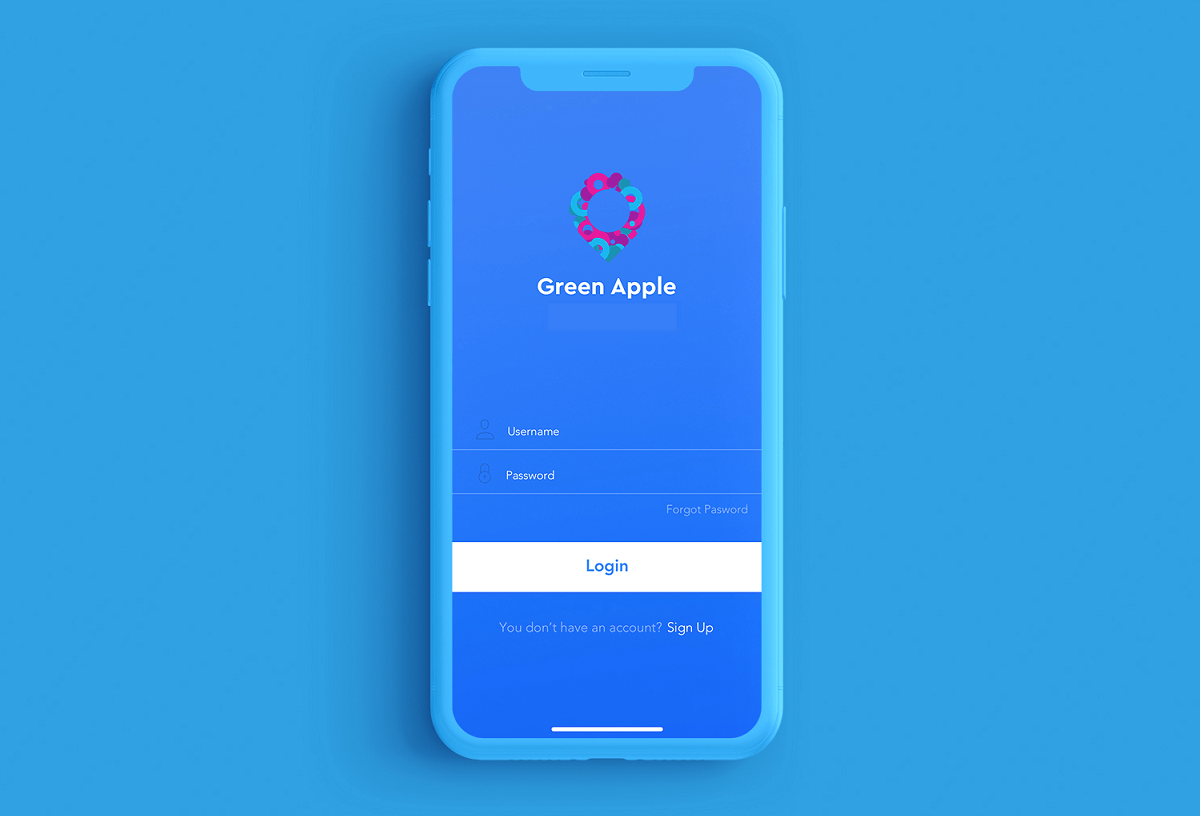
Make signing up step in the easiest way
Nevertheless, this should be an optional choice, as you can intimidate your potential users.
Helpful tips:
- Logging in via popular social networks like Facebook, Instagram or Twitter is an option used by most apps and services.
- Avoid making a long registration process. You don’t want to irritate people who want to get on with food as quickly as possible.
- Stay compliant and don’t store any personal data as it can jeopardize your business.
Make the coolest app
All aforementioned features are just a basic set to make a good user-friendly app. If you want to impress potential users, consider adding the following perks that will benefit your business:
- favorite items;
- wish list;
- share on social media;
- see order history;
- set notifications;
- add possible delivery time.
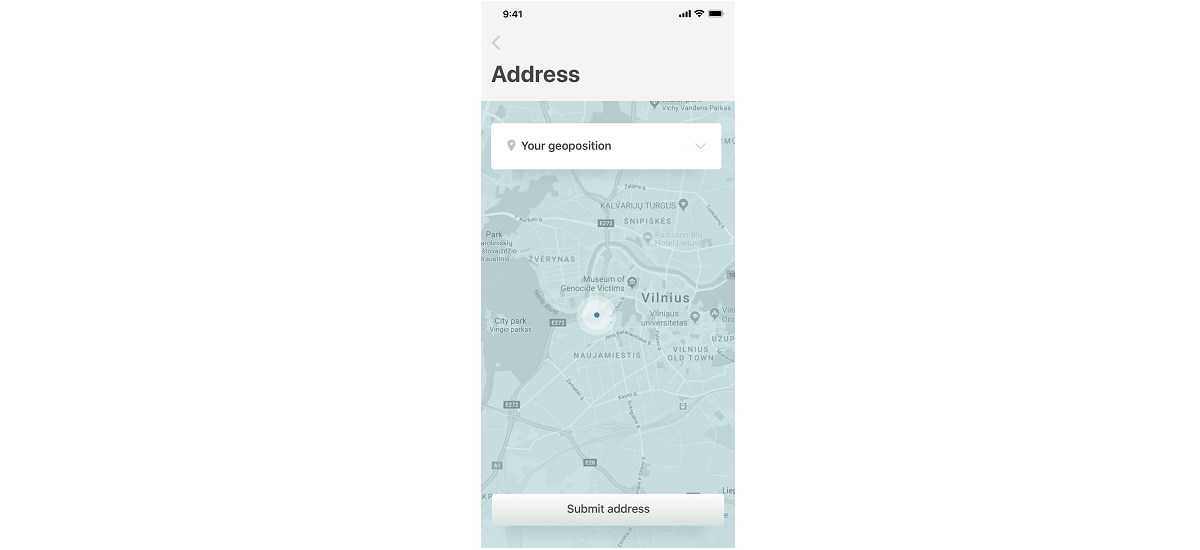
Tracking feature would be a great supplement to your food delivery app
Now that we know users’ essentials, let’s explore the functionality necessary for delivery men.
Courier version
The app for contractors is more modest that one for customers. And yet it requires specific functionality that is essential for delivery to work.
Authentication and profile editing
Before doing any kind of delivery, couriers need to identify themselves. And that depends on how you set up the actual process. Most common registration choices narrow down to signing up via a phone number, email, social media alongside with filling out additional important information. It’s quite similar to the customer app with one thing that differs – here signing up and validation should be mandatory. After all, it’s up to you, but knowing information about the middle man is always helpful. By the way options such as password change or recovery should be available in this version of the app.
Order management
After logging in the delivery man needs to see a list of orders with detailed information and pickup and drop off information, package size, etc. After picking a convenient order or two, the guy should be able to book it and get to work.
Status update
After the order is accepted, the courier needs to keep the customer updated about the status of the delivery. Usually, there are three options available:
- Accepted/rejected.
- Picked up.
- Delivered.
After the delivery is approved by the customer, the courier receives the payment.
Improving the courier version
He is a list of additional useful features that will help you establish a good relationship with the middleman, making the job more pleasant and interactive:
- in-app tracking from pickup to delivery;
- push notifications on status updates;
- booking history and checkout.
Now when we mentioned the essentials that make a good food delivery app, let’s talk about development starting with the Admin Panel.
Management panel
It’s a core element of a functioning restaurant that allows managing a lot of important information such as the available menu, current prices, customers, delivery men database and so on. Let’s dive into more details.
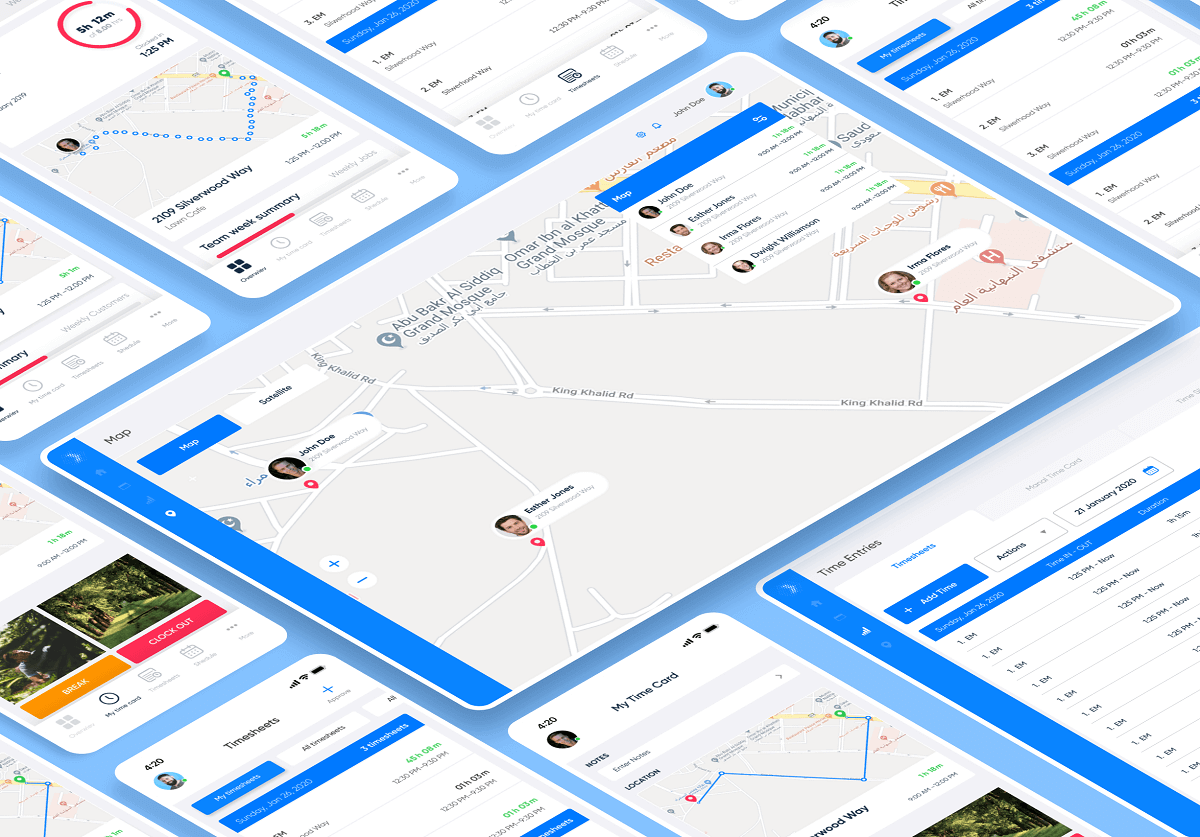
Authentication
Authentication is a must here, as a restaurant manager needs to sign in to access necessary information. Password reset and recovery is also a thing not to miss out on. Nevertheless, this is really required only for delivery aggregators who order from plenty of restaurants all the time.
Order allocation
If you are using your own couriers, the manager can easily assign orders manually, using the admin panel.
Managing content
To give the best user experience, increase the lifetime value and improve retention rates, you need to deliver the finest. The management interface should include the following important features:
- edit general information like name, address, contact info, etc;
- add photos about the place and meals;
- update the menu (manage available meals and their descriptions, change prices).
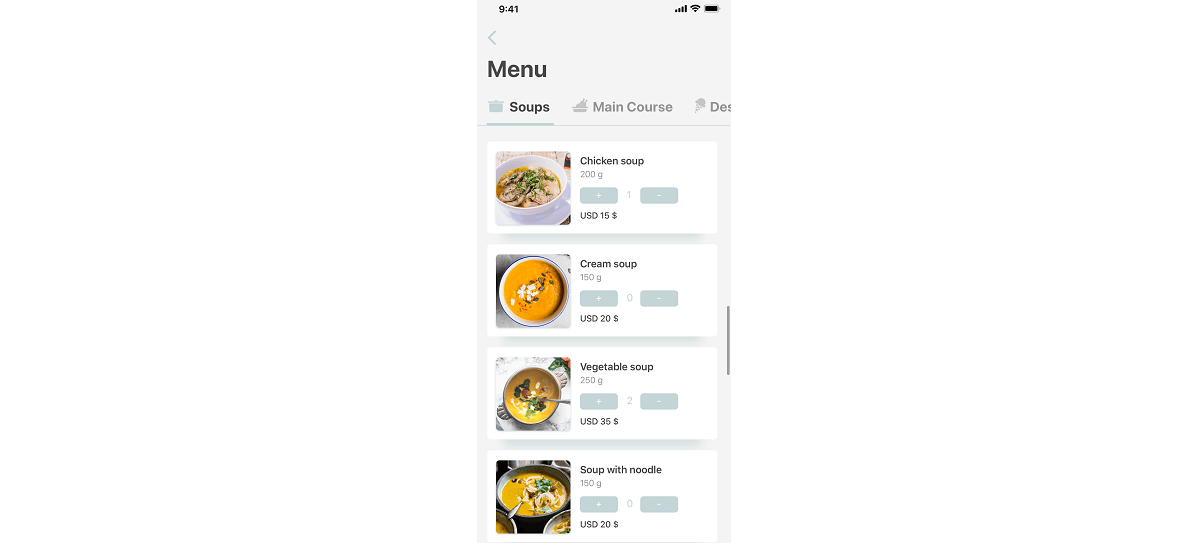
It`s necessary for managers to have all possible instruments to edit content
Managing the orders
After registering in the app and setting up the restaurant’s profile, the managers can take orders. To do so, they need to be able to:
- View detailed information about the order.
- Sent updates about the order to customers and delivery men.
- Access all current orders.
Other cool features for the restaurant’s app version
Some of the best apps have the following additional features to help them improve their business:
- Push Notifications Center. To retarget customers and motivate them to use the app more often.
- Financial Accounting. To help control the earnings, set correct prices and improve financial goals.
- Marketing Campaigns. To run campaigns and increase the user’s loyalty. Some of these include unique coupons, special offers, etc.
- Analytics Panel. To evaluate your restaurant’s performance and make better business decisions.
Now that we know about different sorts of features that should be present in all three types of the app, let’s talk about how much such a solution can possibly cost.